What Does SPM Mean on an Elliptical?
SPM usually means strides per minute on an elliptical: a measure of movement rhythm, not speed along a road. Check the machine’s manual, because displays and counting conventions vary between models.
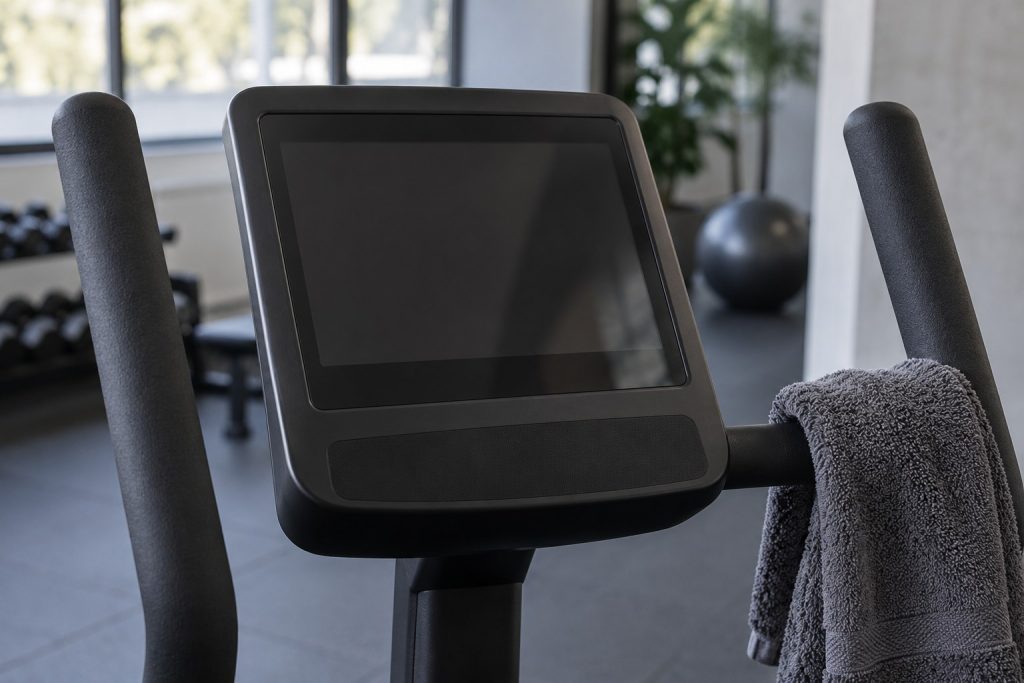
Read the actual display label
Precor manuals describe Strides/Min as your current walking rhythm. Another machine may use RPM, steps or a differently defined cadence field. Do not assume the same number represents identical pedal motion on different brands, or convert between labels without the manual.
Cadence is separate from resistance
You can move at a similar cadence against different resistance settings. Changing an adjustable ramp or stride length can also alter the task. A higher SPM figure alone does not establish a harder workout, greater calorie use or a better training effect.
Avoid turning it into running pace
An elliptical’s distance is a machine-derived estimate, not a measured route outdoors. Stride length and the manufacturer’s calculation matter. Comparing its distance or pace directly with a treadmill or outdoor run can create a misleading impression of equivalent work.
Track a repeatable session
Use the same machine when practical and record duration, resistance, ramp setting and cadence alongside perceived effort. Start at a rhythm you can control while following the equipment instructions. There is no universal SPM target suitable for every machine and every person.
Sources
Related reading
Elliptical vs. Treadmill: How to Choose Your Cardio Workout
RPE: Rating of Perceived Exertion, Explained
Related reading
Elliptical Stride Length: Will the Pedal Motion Fit You?
Read the number and its time window
Before comparing two readings, copy the full label. A current rate, a session average and a cumulative count answer different questions. A number without its label is an incomplete training note.
| Display field | How to record it |
|---|---|
| Current SPM or Strides/Min | A snapshot of cadence. Record when you read it; one snapshot does not describe the whole session. |
| Average SPM | A rate averaged over a time window. Note whether this is the whole workout or a reset segment; check how the console handles pauses. |
| Total strides | A cumulative count, if the model offers it. Keep the count separate from a per-minute rate. |
| RPM or another cadence label | Copy the exact unit. Do not automatically double or halve it: the model’s counting convention must be confirmed first. |
The Precor owner’s manual distinguishes current and average cadence; check the definitions for your own console. Precor display reference (PDF, printed page 16).
Worked example: why the average is not the final reading
For arithmetic only, suppose a single machine records exactly 4 minutes at 80 SPM and 6 minutes at 100 SPM. The counting convention stays the same and there are no pauses. The first segment contributes 4 × 80 = 320 strides; the second contributes 6 × 100 = 600. Total: 920 strides over 10 minutes. The time-weighted average is 920 ÷ 10 = 92 SPM.
The final reading of 100 SPM is not the session average. Taking (80 + 100) ÷ 2 gives 90 SPM, which gives the unequal segments equal weight. That shortcut works here only if both durations are equal. These invented values demonstrate record interpretation, not a recommended cadence or training session.
Use average cadence = total counted strides ÷ included minutes only when the count and time refer to the same interval and convention. With seconds, divide the time by 60 first. If the console rounds readings, excludes pauses or resets partway through, your reconstruction may differ. Mark an unknown averaging window as unknown; do not force the figures to agree. With zero included time, the average is undefined; do not divide by zero.
Copy a five-field session note
Write the note after safely stopping according to the machine instructions. Keep your hands available for support while moving. For a repeat session, compare the context before deciding that a different number means improvement.
- Machine model or gym identifier; exact cadence label and unit: ____________________
- Time or segment covered; pauses and resets included or excluded: ____________________
- Current reading and when observed; displayed average or total count, if available: ____________________
- Resistance, ramp or stride setting and handle use: ____________________
- Perceived effort, movement comfort and any change from the previous session: ____________________
If a field is unavailable, write “not shown”; if its meaning is unclear, write “not confirmed” and ask staff for the model manual. A blank field is not zero. Keep separate records when changing machines. A higher average does not, by itself, show better fitness or equivalent running distance.
Printable elliptical session note
Open the printable elliptical session note
Open the sheet and use your browser’s Print command to print it or save it as PDF. It contains five blank writing areas, saves no answers and needs no account.
Use one sheet for one session or clearly identified segment. Add the date beside the machine identifier. Copy the exact display labels and units; record the time window and settings before comparing sessions.
Write “not shown” for an unavailable field and “not confirmed” for an unclear definition. A blank is not zero. Keep current cadence, average cadence and total strides separate; do not convert RPM into SPM without the model’s counting convention.
Complete the note after safely stopping according to the equipment instructions, keeping your hands available for support while moving. This is a record, not a cadence target or running-distance conversion.
About this article: an introductory editorial draft. Not yet independently reviewed by a fitness professional.