Why Wait for GPS Before Starting Your Run?
Wait for your watch’s GPS-ready indication before starting an outdoor activity that uses GPS. This gives it time to establish a starting position. Beginning the timer immediately after selecting the activity can leave the opening part of the recording less reliable.
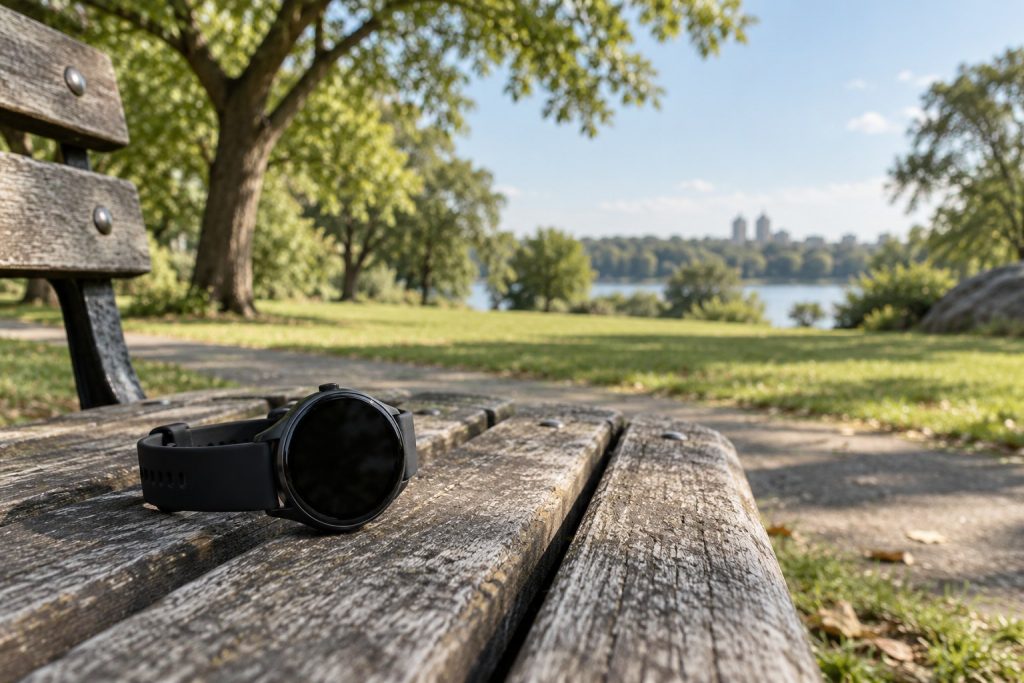
Wait outside with a clear view
Garmin recommends remaining still outdoors with an unobstructed view of the sky while acquiring a signal. Standing inside the doorway is not the same setup. Select the intended outdoor activity, then check its readiness indicator before moving.
Allow extra time when needed
Garmin also describes waiting briefly after the first ready indication so the device can communicate with additional satellites. Follow your model’s guidance rather than assuming every watch needs an identical countdown. A ready icon does not promise perfect accuracy.
Keep the watch synchronized
Garmin recommends syncing compatible watches to obtain current satellite-assistance data. Use the supported app or software and check the device instructions if acquisition repeatedly takes unusually long. Confirm that the activity mode actually uses GPS before troubleshooting the signal.
Interpret the recording sensibly
Buildings, trees and other environmental factors can still affect the track. Compare the route shape and overall distance rather than reacting to every brief pace change. Waiting helps the setup; it cannot turn a consumer watch into an exact survey instrument.
Sources
Related reading
Connected GPS vs Built-In GPS: Does Your Watch Need a Phone?
Why Your Watch and Treadmill Show Different Distances
Related reading
About this article: an introductory editorial draft. Not yet independently reviewed by a fitness professional.