Connected GPS vs Built-In GPS: Does Your Watch Need a Phone?
Connected GPS uses a paired phone’s location data; built-in GPS uses a receiver in the watch. That distinction determines whether the phone must accompany you for that type of route recording. It does not by itself tell you whether the watch includes maps, navigation or mobile connectivity.
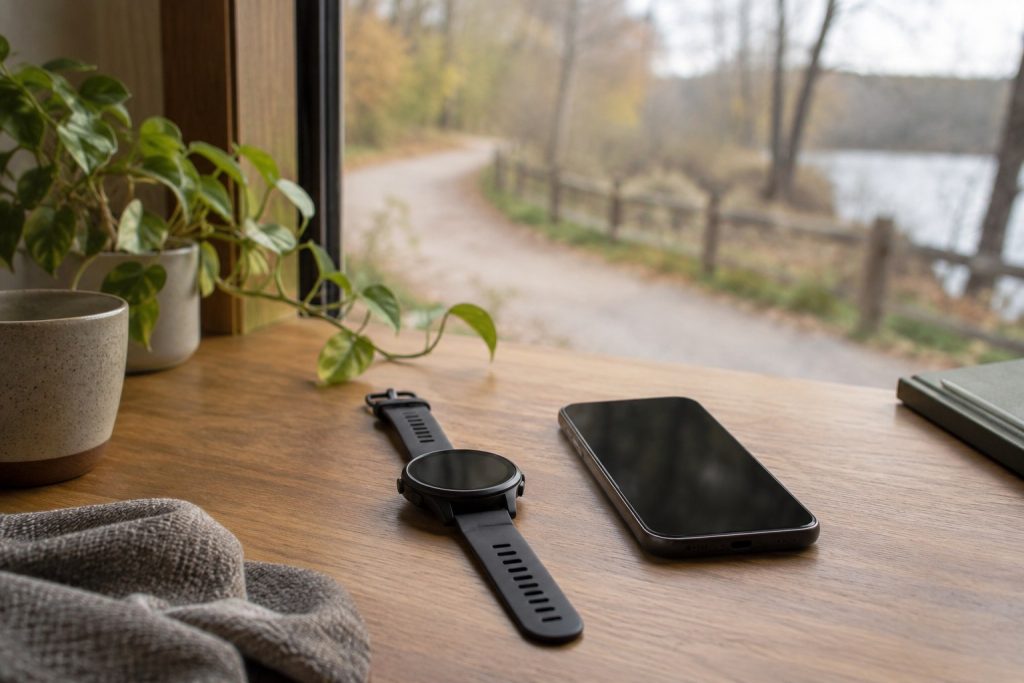
Read the exact model specification
Garmin explains that some devices lack a built-in GPS receiver and rely on a phone connection. Check the model rather than assuming that every product advertising GPS works independently. Step counts or estimated distance alone do not prove a satellite route was recorded.
Prepare connected GPS before leaving
Follow the watch maker’s pairing and app instructions, including required location permissions and connection settings. Carry the phone for the activity. Test the setup on a short familiar route so a missing permission does not surprise you after a longer outing.
Check built-in GPS operation too
Select an outdoor activity and wait for the device’s ready indication as instructed. Battery settings and recording modes may affect operation. Built-in GPS does not automatically provide offline maps, emergency calling or a way to share your location without another connection.
Review the saved activity
After a test, inspect the recorded route and distance instead of judging success only from the live timer. Buildings, cover and signal conditions can affect positioning. Choose the setup that matches your phone-carrying preference without assuming one label guarantees perfect accuracy.
Sources
Related reading
Why Your Watch and Treadmill Show Different Distances
Moving Time vs Elapsed Time: Which Pace Are You Reading?
Related reading
About this article: an introductory editorial draft. Not yet independently reviewed by a fitness professional.