Barometric vs GPS Elevation: Why Your Watch Readings Differ
A barometric watch estimates elevation from air pressure; a GPS-based estimate uses satellite positioning. They can disagree without the route changing. Check which method your watch uses before interpreting a difference between two activity records.
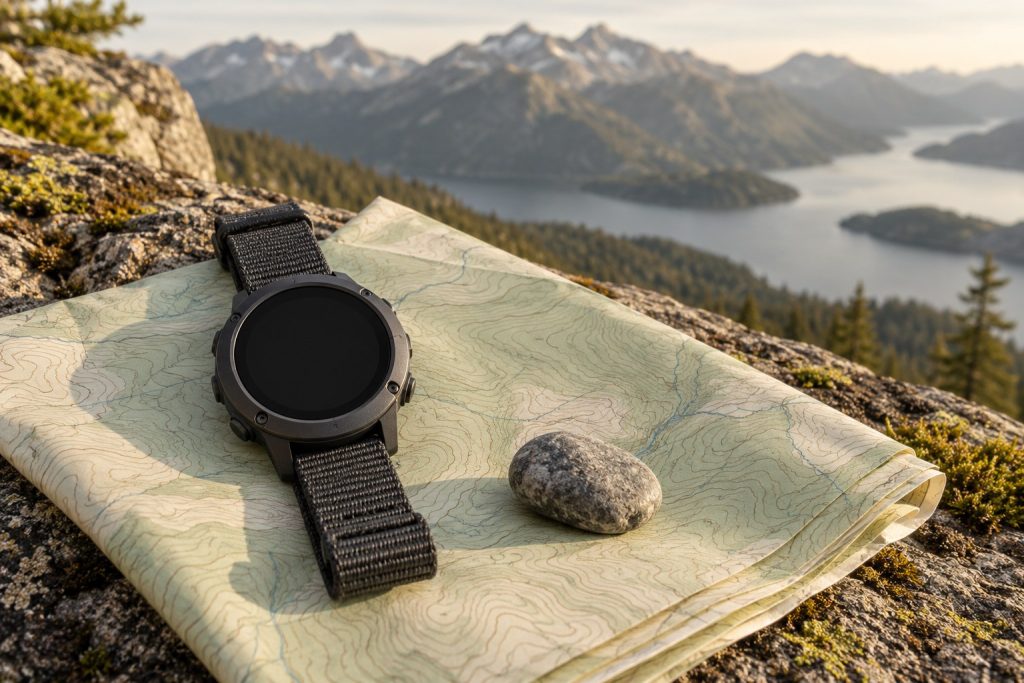
Pressure changes have several causes
Garmin explains that weather and environmental conditions can affect barometric elevation. Pressure changes do not always mean you moved uphill. Blocked sensor openings can also affect readings, so follow the device’s cleaning instructions.
Calibration depends on the model
Some watches offer calibration from a known elevation, GPS, or digital elevation data. Options and automatic behavior vary. Use the manual for your exact watch rather than copying a menu sequence from another model.
Distinguish height from climbing
Current elevation is the estimated height at a point; total ascent adds recorded upward changes over a route. A difference in one value does not automatically explain the other. Compare the same field in each activity.
Use a consistent comparison
Note the starting location, calibration method, and conditions when checking repeated routes. A recreational watch is not a surveying instrument. Treat small discrepancies as estimates to investigate, not proof that one device measured the route perfectly.
Sources
Garmin — Elevation measurement and calibration.
Related reading
Elevation Gain vs Maximum Elevation: What Does Each Number Tell You?
Connected GPS vs Built-In GPS: Does Your Watch Need a Phone?
About this article: an introductory editorial draft. Not yet independently reviewed by a fitness professional.