Why Your Watch and Treadmill Show Different Distances
A treadmill and a watch can estimate distance in different ways. A mismatch does not automatically mean either display is exact, and it is not a reason to change your running form.
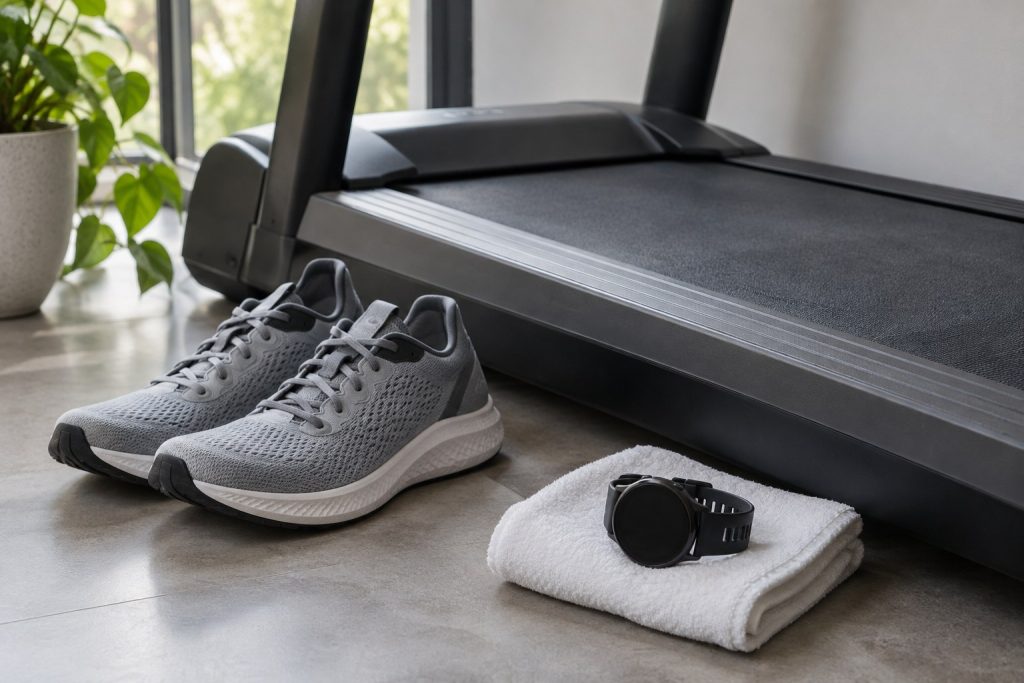
Different sensors, different estimates
A treadmill estimates belt travel. In an indoor profile, many watches estimate distance from motion sensors or a paired accessory rather than a GPS route. Garmin notes that its indoor distance estimate uses the accelerometer, so model and activity settings matter.
Arm movement affects some watches
Holding the rails or keeping an arm still can affect a wrist-based estimate. Changes in stride and pace can also make an old calibration less representative. Use the support you need for safety; never let a desire for a better number dictate an unsafe position.
Calibrate using the model instructions
Some watches offer treadmill calibration in the end-of-activity save flow; others use outdoor GPS sessions or accessories to improve estimates. Follow the manual for your exact model. Entering the treadmill figure aligns the watch with that reference but does not independently prove the belt measurement is correct.
Keep comparisons practical
For repeat sessions, note the machine, duration, displayed speed, incline and perceived effort. Avoid treating a small distance discrepancy as a meaningful fitness change. If the treadmill behaves inconsistently, ask the operator about servicing rather than adjusting unfamiliar equipment yourself.
Before changing either distance: three checks
- Compare the same interval. Confirm when both records started and ended, and whether either timer excluded pauses. Include the same warm-up and cool-down before comparing totals.
- Check the units and source. Distinguish kilometers from miles, the treadmill activity profile from an outdoor profile, and a wrist estimate from a connected sensor. Record the selected source rather than assuming it.
- Keep both original readings before editing or calibrating. Note the machine and settings. A later corrected total is a new record value, not independent evidence that the original distance was wrong.
Worked example: a difference is not an accuracy score
Suppose both devices cover the same 30-minute period. These fictional values demonstrate arithmetic, not an acceptable-error limit.
| Source | Distance | Time |
|---|---|---|
| Treadmill | 3.00 km | 30 min |
| Watch | 2.85 km | 30 min |
The gap is 0.15 km, or 150 m. Relative to the treadmill value: 0.15 ÷ 3.00 × 100 = 5%. Relative to the watch value: 0.15 ÷ 2.85 × 100 ≈ 5.3%. Name the denominator when quoting a percentage. Neither calculation proves which device is accurate.
The same 30 minutes produces 10:00 min/km from 3.00 km and about 10:32 min/km from 2.85 km. A pace difference can therefore come from the distance input alone. Do not label the gap as a fitness change or apply this single-session ratio to every future workout.
Find the correct calibration step
The Forerunner 165 manual places calibration in the end-of-activity save flow, using Save initially and Calibrate & Save subsequently. Check your model’s eligibility and instructions. Garmin: Forerunner 165 calibration instructions.
A missing option is a reason to check the model, profile and sensor setup, not to guess a universal minimum distance or extend a workout solely to unlock a menu. Entering a reference value aligns records; it is not an independent accuracy test.
Five fields to keep before correcting a record
- Date, machine and the exact start/end period being compared.
- Watch model, activity profile and selected distance sensor.
- Both original distances with units; moving, timer or elapsed time for each.
- Whether a correction or calibration was applied, which reference was used and what changed.
- One next check: compare the time window, inspect the model instructions or ask the facility about the machine.
Use the treadmill guide and printable segment record; moving-versus-elapsed-time guide; Auto Pause guide.
Sources
Related reading
Treadmill Speed, Pace, and Incline: Reading the Display
How Accurate Are Fitness Watch Calorie Estimates?
Related reading
Connected GPS vs Built-In GPS: Does Your Watch Need a Phone?
About this article: an introductory editorial draft. Not yet independently reviewed by a fitness professional.